
JOB-2418 · Paddington
Downpipe leaking again. Photos attached.
From an email, 7:42 amThis week
Today14jobs booked
Software · Brisbane and South East Queensland
Custom CRMs, office systems and apps for Brisbane businesses with around 50 people, connected to Xero and the software you already pay for. It starts with a free first meeting where we map how a job moves through your business and show you where it gets stuck.
Rather talk? Call 0410 383 332, weekdays 8am to 5pm. Stuck on Microsoft Access? Start here. Looking for custom software development? See example dashboards.
First meetingOne free video call. You keep the map.
Stage oneFixed price, from $3,000 ex GST
Stage one livePlanned for 4 to 6 weeks after you go ahead
You deal withThe team that builds your system
01The problem
None of that is your team’s fault. It’s what happens when the tools were picked for a business half your size.
Do the sum with your own numbers. Nothing here is sent unless you add it to your message and press Send.
People x minutes a day x working days, divided by 60, gives the hours a year. Times what an hour costs you gives the cost.
This is your sum, from your numbers. It isn’t a saving we’re promising. In the free job map, we show you where a job gets stuck.
The job check
Six questions, about a minute. You get how many times a job changes hands by hand, where it looks stuck, and the first things we’d look at. Nothing is sent anywhere unless you choose to send it.
The check needs JavaScript. Tell us how a job moves through your business instead.
A red mark is a handoff by hand.
The three things we’d look at first
None of the things on our list came up in your answers.
Where a stage one could start:
From your answers, your jobs already move between your programs on their own. If a ready-made system fits what you need next, we’ll tell you.
If you go ahead, stage one is a fixed price, from $3,000 ex GST, agreed in writing, and we plan for it to go live within four to six weeks of the go-ahead. We check what your software lets us connect to before we quote.
We build business systems for businesses with around 50 people. If a ready-made system fits yours, we’ll tell you.
This reading comes only from your answers. In the free job map, one video call of about an hour, we map how a job moves through your business with you. You keep the map, a one-page PDF, whether or not you go ahead.
The first meeting
We map how a job moves through your business and show you where it gets stuck. It’s one video call, about an hour, and it costs nothing. You keep the map, a one-page PDF, whether or not you go ahead. If you do, stage one comes with all of this.
A few lines is plenty. You’ll hear back within one business day.
How do you know we can build it? SI30 Care, the operations system we built for NDIS providers, has 1,900+ automated tests, and it’s shown as a demo with fictional people. See what we use ourselves.
02What we build
One system that fits your business. We switch on each part for you and set it up around your words and your steps.
03Dashboards
Your numbers on one screen, built from the same records your team works in every day. Nobody exports a spreadsheet at month end. Here are four we’d typically build.
Invoiced, last 4 weeks
$409,000
13% on the 4 weeks before
Gross margin31.4%
Quotes won42%24 of 57
Owed over 30 days$38,900
Jobs finished126
Invoiced each week
| Week | Invoiced |
|---|---|
| 12 weeks ago | $82,000 |
| 11 weeks ago | $86,000 |
| 10 weeks ago | $79,000 |
| 9 weeks ago | $91,000 |
| 8 weeks ago | $88,000 |
| 7 weeks ago | $84,000 |
| 6 weeks ago | $93,000 |
| 5 weeks ago | $97,000 |
| 4 weeks ago | $101,000 |
| 3 weeks ago | $96,000 |
| 2 weeks ago | $104,000 |
| Last week | $108,000 |
Margin by type of work
Target 25%
Biggest customers, last 90 days
10 job tickets made automatically today: 7 from emails, 3 from the website form. Latest tickets shown in each column.
New 5
JOB-2418 · Paddington
Downpipe leaking again. Photos attached.
From an email, 7:42 amThis week
JOB-2419 · Coorparoo
Quote for a new hot water system.
From the website, 8:05 am
Quoted 12
JOB-2402 · Bulimba
Bathroom renovation, $18,450.
Follow-up sent, day 3
JOB-2399 · Red Hill
Gas fitting, new cooktop.
Accepted online
Booked 14
JOB-2396 · Newstead
Thursday, 7 to 9 am. Crew B.
Confirmation emailed
On site 9
JOB-2391 · Ascot
Crew A, started 9:12 am.
Checklist 6 of 9
Done 6
JOB-2385 · Wilston
Invoice INV-1187 sent, 2:15 pm.
Sent automatically
Money in and money out, each week
| Week | Money in | Money out |
|---|---|---|
| 12 weeks ago | $74,000 | $70,000 |
| 11 weeks ago | $81,000 | $72,000 |
| 10 weeks ago | $77,000 | $79,000 |
| 9 weeks ago | $90,000 | $76,000 |
| 8 weeks ago | $85,000 | $80,000 |
| 7 weeks ago | $88,000 | $83,000 |
| 6 weeks ago | $92,000 | $81,000 |
| 5 weeks ago | $95,000 | $86,000 |
| 4 weeks ago | $99,000 | $84,000 |
| 3 weeks ago | $94,000 | $89,000 |
| 2 weeks ago | $101,000 | $87,000 |
| Last week | $106,000 | $90,000 |
Owed to you, by age
Latest invoices
On today38of 41 staff
Timesheets in34of 38
Vehicle checks11of 12 utes
Licences due2in the next 30 days
Crew hours booked this week
Needs you
Which numbers do you run the business by? Tell us, and we’ll check which ones your records can show before we quote.
04The 30
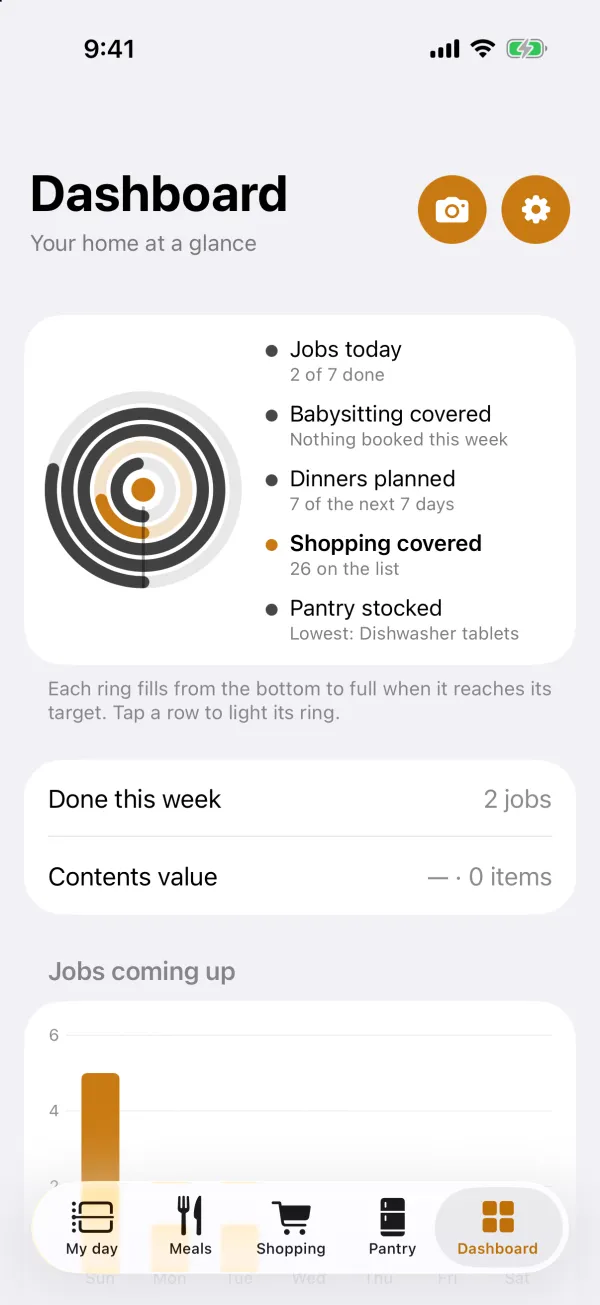
That’s what SI30 stands for. SI is system integration: we connect the software you already use and build what’s missing, so your business runs as one system. The 30 is a starting menu of 30 numbers, six each for jobs, cash, your team, customers and compliance. You keep the ones you run the business by, leave out any your records can’t support, and add your own. Where a number has a target, it can show as a ring that sweeps round from the six o’clock mark as you get nearer to it.
Which of the 30 we can show depends on the records your business keeps and what your software lets through. We check before we quote.
05Automation
A system we build can watch for the moments that usually need someone at a desk, and do the routine part itself. You decide what goes out on its own and what waits for a yes.
Examples with fictional data and times. What we build for you depends on the software you use and the stage we agree.
Job tickets
An email comes in: “The downpipe at our Paddington unit is leaking again. Can someone come this week? Photos attached.”
The AI reads it: an existing customer, a known site, a repair, wanted this week.
Ticket JOB-2418 is made, with the photos and the site’s history.
Crew B is suggested: closest, and free Thursday morning.
Office approves in one tapThe customer gets an email: “You’re booked for Thursday, 7 to 9 am.”
SentInvoices
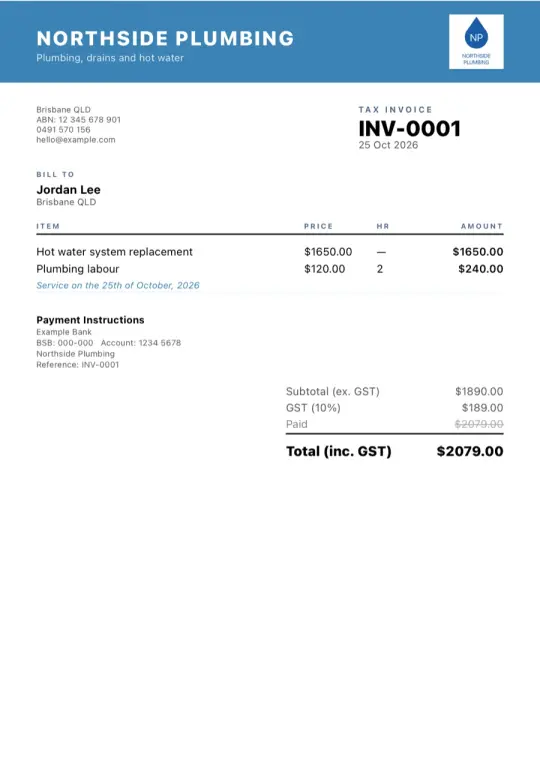
Crew A marks JOB-2391 done on the app, with photos and the customer’s signature.
The invoice is made from the quote, one approved variation and the materials used.
It’s under the $5,000 limit you set, so it goes now: emailed with a link to pay online, and copied into Xero.
Sent automaticallyNot paid yet, so a polite reminder goes out.
Reminder 1Xero shows the invoice paid, so the job is marked paid too.
ClosedEmails and texts
Paying online needs a payment service such as Stripe or Square. Texts go through an SMS service, a small running cost we quote up front.
Which of these takes up the most hours in your week? That’s a good place to start. Tell us about it.
06Integrations
Keep what works. We connect your new system to the tools you rely on, so information moves between them on its own instead of being typed in twice.
Every program allows different things through its connection, and some depend on your plan. We check what yours allows before we put a price on the work. Some, like Buildxact, QuickBooks, DocuSign and Google for reading mail, review or approve access first, so we sort that out before you commit.
If it has a way in for other software, we can usually connect it. If it doesn’t, we’ll tell you before you spend anything.
Product names belong to their owners. SI30 isn’t a partner of these companies, and they don’t endorse SI30.
07Industries
Quotes, jobs and variations. Crews and sites. Timesheets, photos and sign-offs straight from site.
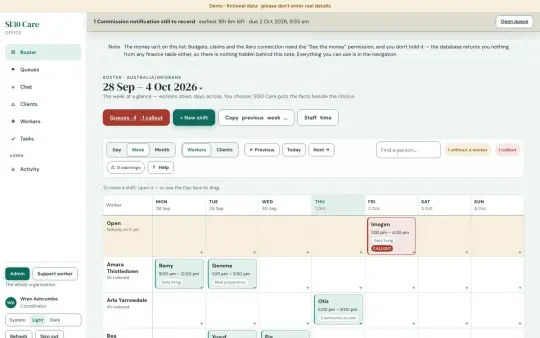
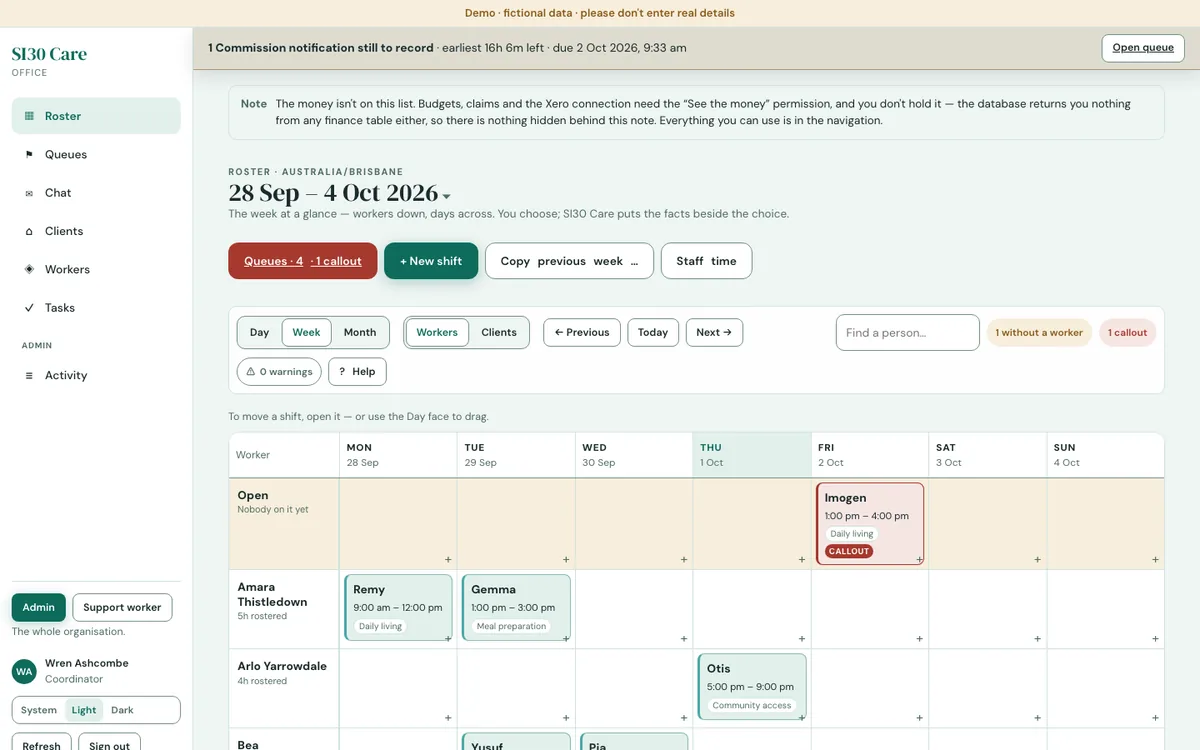
Rosters, shift and client notes, incidents, worker screening and claiming. It’s what SI30 Care does.
Dispatch, runs and rosters, vehicle checks, proof of delivery or service, and timesheets.
Orders, stock, production and dispatch, customer accounts and reorders.
Around 50 people, and the work runs through a spreadsheet or programs that don’t talk to each other, with someone retyping between them.
If a ready-made system already fits and nobody has to work around it, we’ll tell you. Then stage one might be connecting it to Xero and the rest of what you run.
Send us a few lines. Within one business day you’ll hear whether we can help, and what we’d look at first. Get your free job map.
08Built and in use
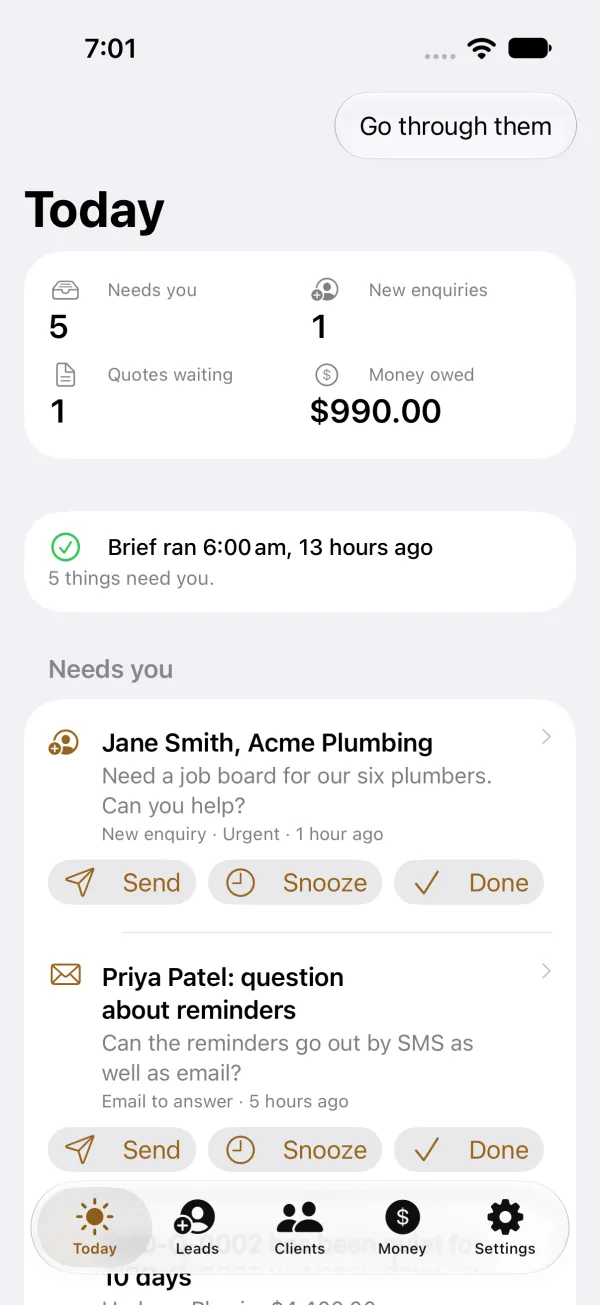
Every morning at 7:30, a brief we built reads our three mailboxes, the calendar and Xero, and sends one email that says what needs us.
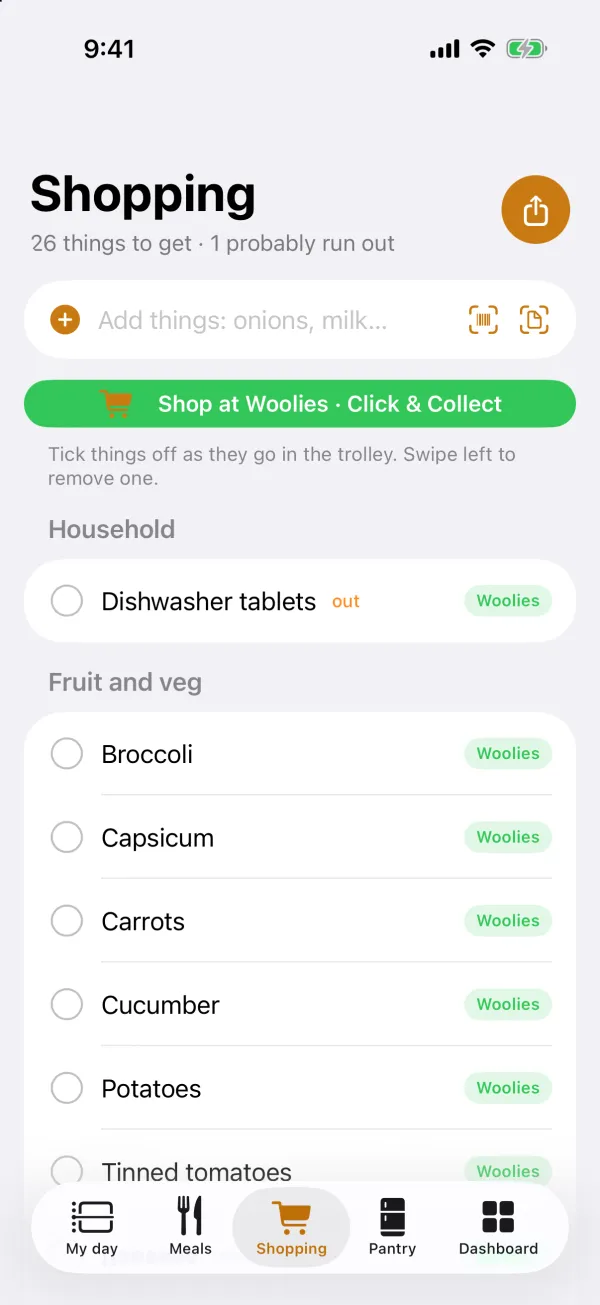
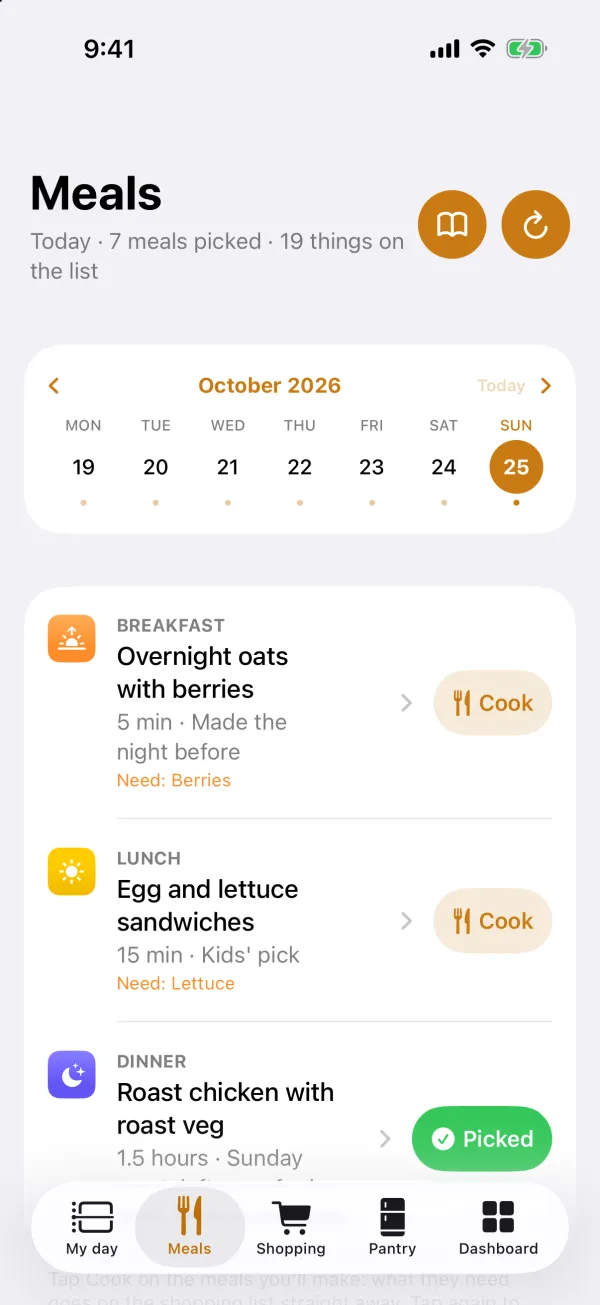
Our private document room has been in use since September 2026. Homified, the app that runs our house, is free on the App Store.
For depth, there’s SI30 Care, an operations system for NDIS providers: rostering, shift notes, incidents, worker screening and claims, with a web app for the office and an iPhone app for support workers (built, not released yet). When a screening lapses, a shift note goes missing or an incident has to be reported, it shows the office what needs chasing. It’s shown as a demo with fictional people. We’d take the same approach with your business.
See SI30 Care (private preview: ask us for access)
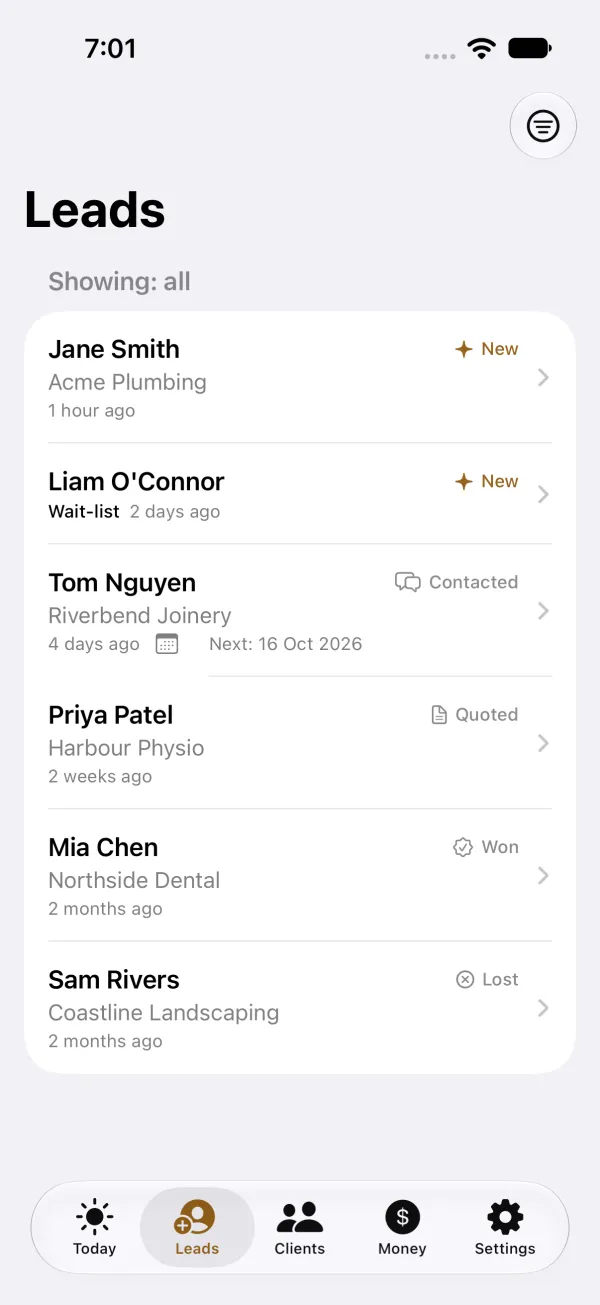
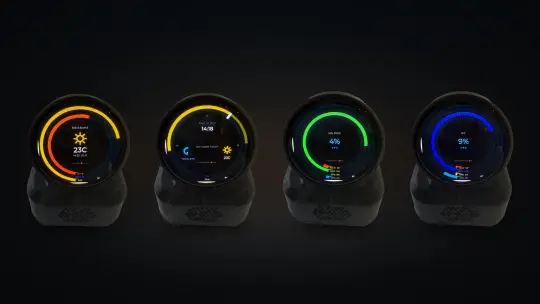
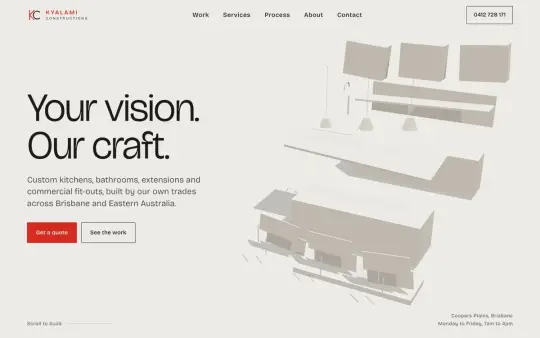
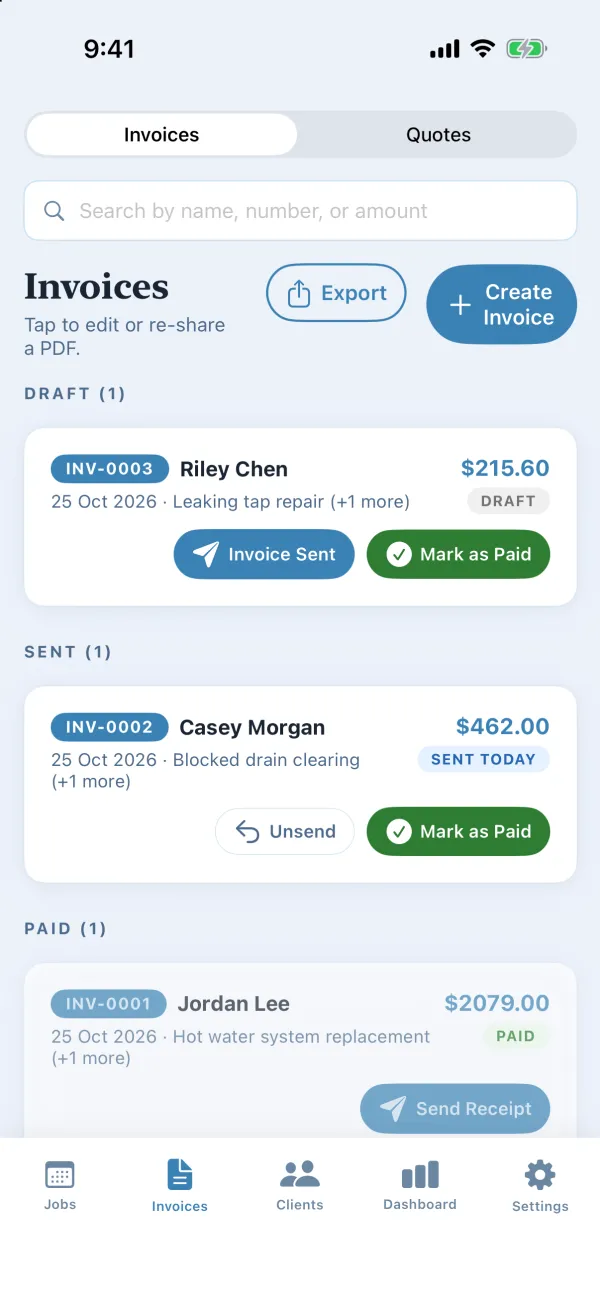
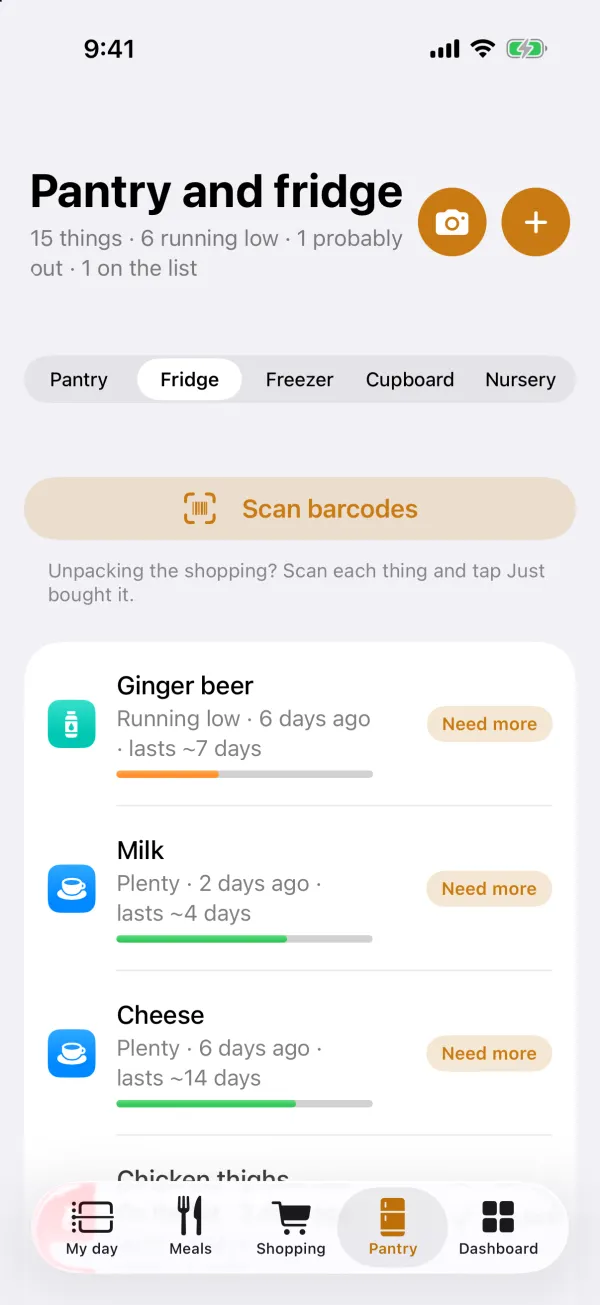
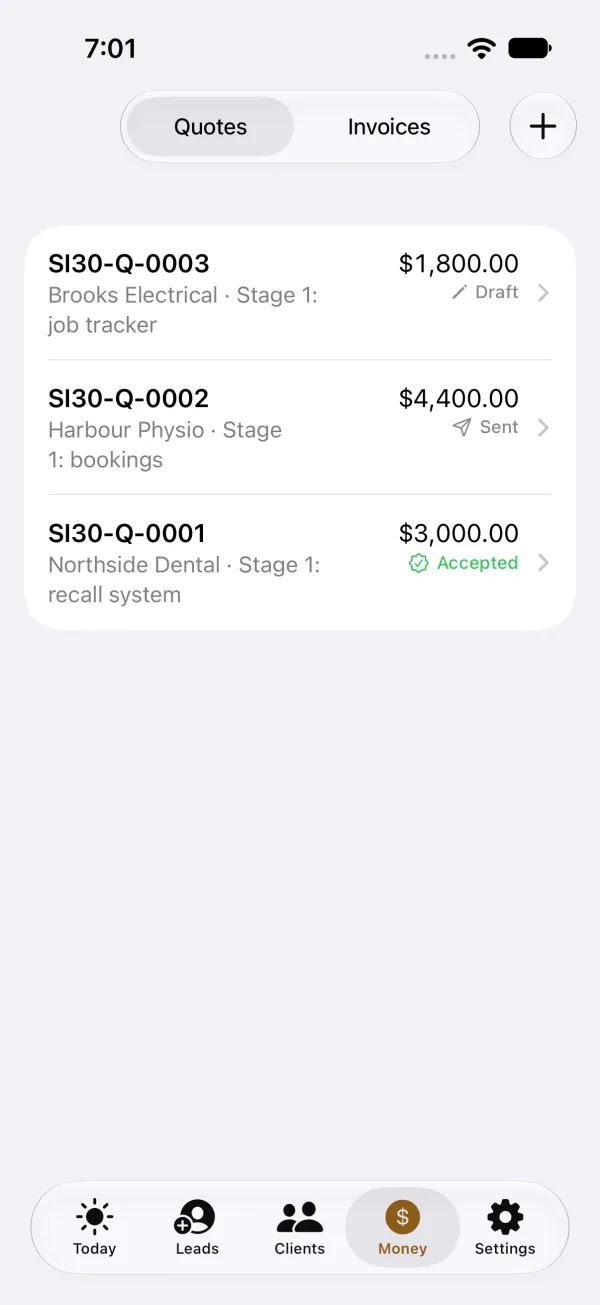
See everything we’ve built: a CRM, an invoicing app, our own household app, AI tools that work with software even when it has no API, a desk display and more.
Want something like this for your business? Our first meeting is a free video call of about an hour, and you keep the map whether or not you go ahead.
09How a job runs
We plan a first stage to go live within four to six weeks of the go-ahead, with a demo every week while it’s being built.
Day 1
Tell us how your business runs. Within one business day you’ll hear whether we can help, and what we’d look at first.
Week 1
It starts with the free job map, our first meeting: one video call, about an hour. We map how a job moves from the first call to the paid invoice, and show you where it gets stuck. You keep the map, a one-page PDF, whether or not you go ahead. We also spend time with your office and a team leader, and check what your current software lets us connect to.
Weeks 1 to 2
Stage one fixes the worst bottleneck. The quote is in writing: what’s in, what’s out, how we’ll test it, the dates, and the monthly running cost.
Weeks 2 to 5
A demo every week on a private link, and your feedback goes into the next week’s work. No disappearing for months.
Weeks 5 to 6
Your office and one team use it on real jobs alongside the old way, with a training session, a one-page guide and short how-to videos. Then it goes live, and the automations are switched on one at a time, with your sign-off. Your team uses it before you decide on anything more.
After that
Each new part is priced before it starts. Everything sits on one platform, so each new part fits what you already have. Hosting and support are a monthly cost, quoted up front with stage one.
Day 1 starts when you send us a few lines. Get your free job map, or call 0410 383 332.
10Your data
11Who you deal with
No account managers and no hand-offs. We’re a small team, and the team that builds your system is the team you talk to.
Based in Brisbane, working with businesses across South East Queensland, and on site when the work needs it.
Every stage has a fixed price, agreed before it starts, and the monthly running cost is in writing too. No surprises on the invoice.
SI is system integration: we connect the software you already use and build what’s missing. 30 is our starting menu of 30 numbers for a dashboard, six each for jobs, cash, your team, customers and compliance. You keep the ones that fit your business and add your own.
Nothing. It’s the free job map: one video call, about an hour. We map how a job moves through your business and show you where it gets stuck. You keep the map, a one-page PDF, whether or not you go ahead.
No. Often the best first stage connects what you already have, like Xero or your job software, and fills the gaps around it.
Sometimes that’s the right call. If a ready-made system fits, we’ll tell you, and stage one might be connecting it to Xero and the rest of what you run. We build when the ready-made options leave your team working around them.
Only the ones you choose. Routine messages, like booking confirmations, can go on their own. Anything else, like an invoice over a limit you set or a reply the AI drafted, waits for a person to approve it.
Yes. They’re built from the same records your team works in every day, so nobody has to export a spreadsheet to keep them up to date.
It reads and drafts: sorting the inbox, pulling details out of documents, and writing first drafts of replies and quotes. A person checks its work before it reaches a customer.
The first stage is a fixed price, from $3,000 ex GST, agreed in writing before work starts. Hosting and support are a separate monthly cost, quoted up front with stage one.
We plan a first stage to go live within four to six weeks of the go-ahead, with a demo every week while it’s being built.
A few lines to start. In week one, some time with you, your office and a team leader. In weeks five and six, your office and one team try it on real jobs. The rest is our job.
No. A few lines on what you do and the part that wastes the most time is plenty. Finding where a job gets stuck is what the free job map is for.
Nothing, unless you send them. They stay on this page, on your own screen. Get my free job map only fills in the form below, and you still press Send. If you press Copy link, your answers go into that link as a short code, so anyone you send it to can see them.
It’s set up around your words and your steps, and we spend time with your office and a team leader in week one. Before it goes live, your office and one team use it on real jobs alongside the old way, with a training session, a one-page guide and short how-to videos.
If it has a way in for other software, we can usually connect it. We check what yours allows before we put a price on the work. If it has no way in, we’ll tell you before you spend anything.
You commit to one stage at a time. Stage one is tried on real jobs alongside your old way before it’s switched on, and your team uses it before you decide on anything more.
Our team, from the first conversation to go-live. We’re a small team, and the team that builds your system is the team you talk to. No account managers and no hand-offs.
Start with what we already use. Homified, our household app, is free on the App Store, and a brief we built reads our three mailboxes every morning and sends one email that says what needs us. Then you see your own system working every week on a private link, so you never wait months to find out.
12Contact
What you do, roughly how many staff, and the part that wastes the most time. A few lines is plenty. You’ll get a straight answer within one business day.
Sent
It’s with our team. We’ll come back to you within one business day.